
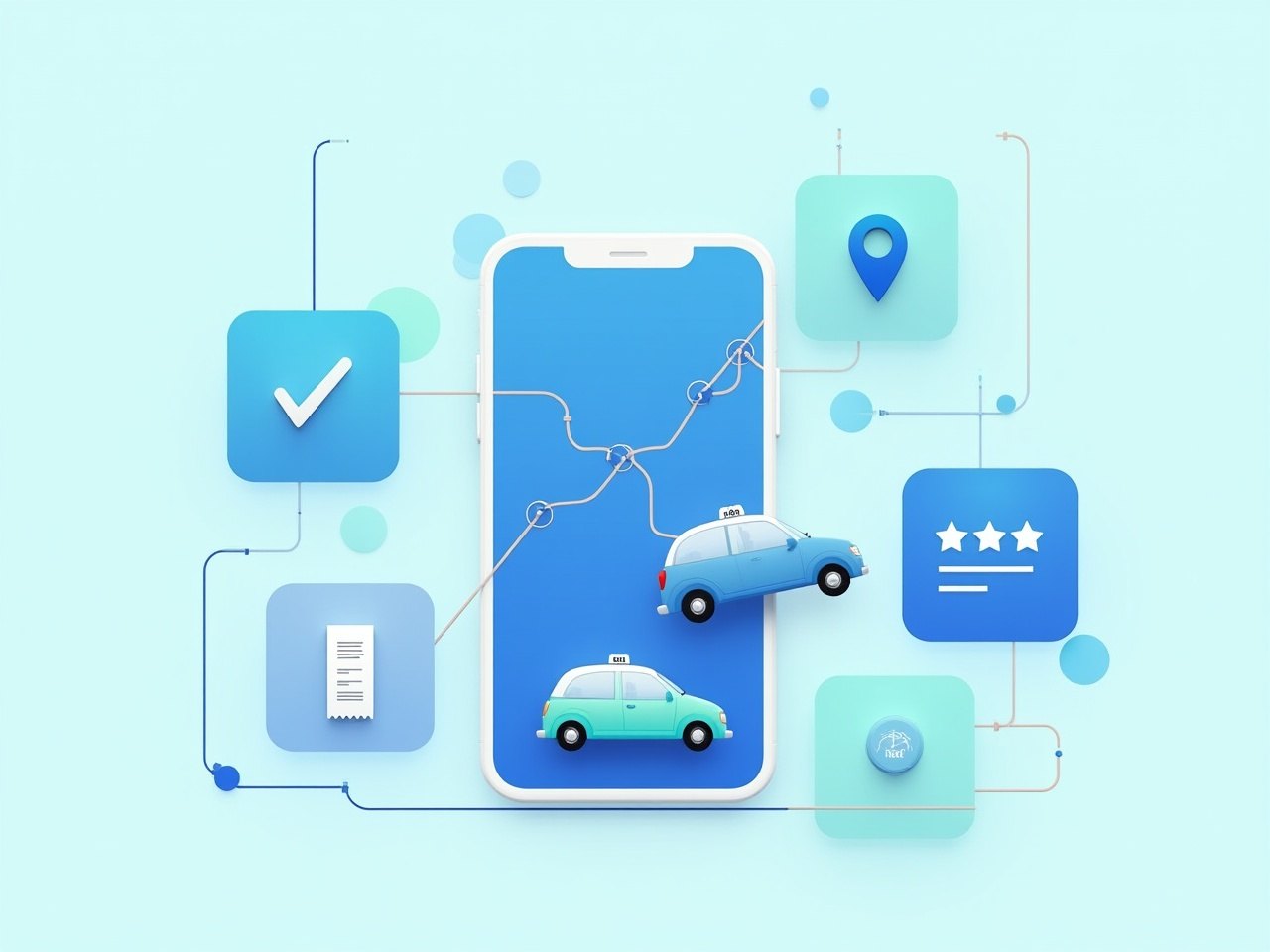
If you have only ever taken bookings by phone and WhatsApp, a booking platform can sound like a black box. In practice it is a chain of simple steps that your office already does today, just joined up so that nothing gets lost between them. This guide walks through a single trip from the rider's first tap to the final fare, and shows what happens at each stage for the rider, the driver and your office, all under your company's own name.
The pieces of a booking platform
A complete platform for a taxi, tour or charter company has four connected parts:
- The rider app. What your customers download from the App Store or Google Play. It carries your company name, logo and colours.
- The driver app. What your drivers use to receive jobs, navigate to pickups, start and end trips and record payment.
- The dispatch dashboard. What your office uses to see every booking, assign drivers and keep an eye on trips in progress.
- The records behind it all. Trips, payments, drivers, vehicles and documents, stored in one place so you can report on them.
Here is how they work together on a real trip.
Step 1: The rider books
A rider opens your app, which they found under your company name in the store. They enter a pickup point and a destination, for example a home in Portmore to Norman Manley airport. They choose a vehicle type, such as a sedan or a minivan for a family with luggage, and pick whether they need the car now or at a set time later.
Before they confirm, they see the fare, worked out from the rules you set: base fare, distance or zone, any airport charge. They can add a note, such as a flight number or "gate is the green one", and choose to pay by card or cash. When they tap to confirm, the booking is sent straight to your office.
Bookings that come in by phone or WhatsApp do not have to be left out. Your dispatchers enter them into the same system, so every trip follows the same path from here on.
Step 2: Dispatch assigns a driver
The booking appears on your dispatch dashboard with everything the rider entered. Your dispatcher can see which drivers are online, where they are on the map and what they are already doing. For an on-demand trip, they pick a suitable nearby driver. For a scheduled airport run tomorrow morning, they can assign it ahead of time so the driver knows their day.
This is the step that changes most for an office used to phones. Instead of calling round to find a free driver, the dispatcher sees the fleet at a glance. Instead of a booking living in one person's notebook, it is visible to everyone in the office who needs it.
Step 3: The driver accepts and heads to the pickup
The driver gets the job in the driver app with the pickup address, the rider's name, the destination, the fare and any notes. They accept it, and the rider is told straight away. The rider sees the driver's name, the vehicle and the plate number, all in your app and in your company's name.
The driver taps to navigate to the pickup. When they arrive, they mark it in the app, and the rider gets a notification that the car is outside. No phone call needed.
Step 4: Live tracking during the trip
From the moment the driver accepts, live trip tracking shows the car moving on the map. Before pickup, the rider can see how close the car is. During the trip, they can share it with family or a colleague, which matters for visitors, late-night riders and parents booking for their children.
Your office sees the same picture. Dispatch can tell at a glance which trips are on time, which driver is stuck in traffic on the way to Sangster, and which pickups have not started yet. When a hotel desk or corporate client calls to ask about a car, the answer is on the screen.
Step 5: Payment and receipt
When the driver ends the trip, payment is settled the way the rider chose:
- Card. The rider pays in the app. There is no card machine to pass around and no hunting for change.
- Cash. The rider pays the driver, and the driver logs the cash fare in the driver app so it is recorded against the trip.
Either way, the rider gets a receipt in your company's name with the date, route and fare. That receipt is what corporate clients file and what visitors keep for their expenses. Because card and cash trips are recorded in the same place, reconciling with drivers at the end of the day or week is a matter of reading a report, not adding up slips. For more on this, see our guide to accepting card payments.
Step 6: The rider rates the trip
After the trip, the rider is asked to rate it. Ratings tell you how drivers are doing from the people who matter most, and they give you an early warning when something is going wrong: a driver who keeps arriving late, or a car that needs cleaning. Like everything else, the rating request comes from your app, not from a third-party brand.
Step 7: Everything lands in your records
Once the trip is done, it becomes part of your company's records:
- The trip itself: times, route, rider, driver, vehicle and fare.
- The payment: card or cash, and the amount.
- The rating and any comment.
Alongside trips, the platform keeps your fleet, driver and document records, so you know which vehicles are on the road, which drivers are active and when licences, insurance or other documents are due. At month end you can see how many trips came through the app, which drivers did the most work, and which hotels or corporate clients booked most, without piecing it together from notebooks and chats.
Why your own brand matters at every step
Look back over those seven steps and notice whose name the rider sees: in the store, on the booking screen, in the driver details, on the tracking map, on the receipt and in the rating request. With a white-label platform, every one of them is yours. Riders build loyalty to your company, not to a marketplace that might send them a competitor next time. The customer relationship and the trip history stay with your business.
What it costs and how long it takes
With Conduence, you keep 95% of each completed app booking and we take 5%. There is no monthly software bill, so the platform only earns when your drivers complete app trips. Your rider app, driver app and dispatch dashboard go live in up to four weeks from a signed proposal, including Apple and Google store review, and our team stays on hand for the first two weeks of live trips. You can see the detail on our pricing page, or try your own numbers in the earnings calculator.
If you are still deciding how to get an app at all, our guide to white label vs build vs platform compares the options. Pilot spots are open for operators in Kingston, St. Andrew and Portmore. Get in touch to see the full journey running in your own brand.